
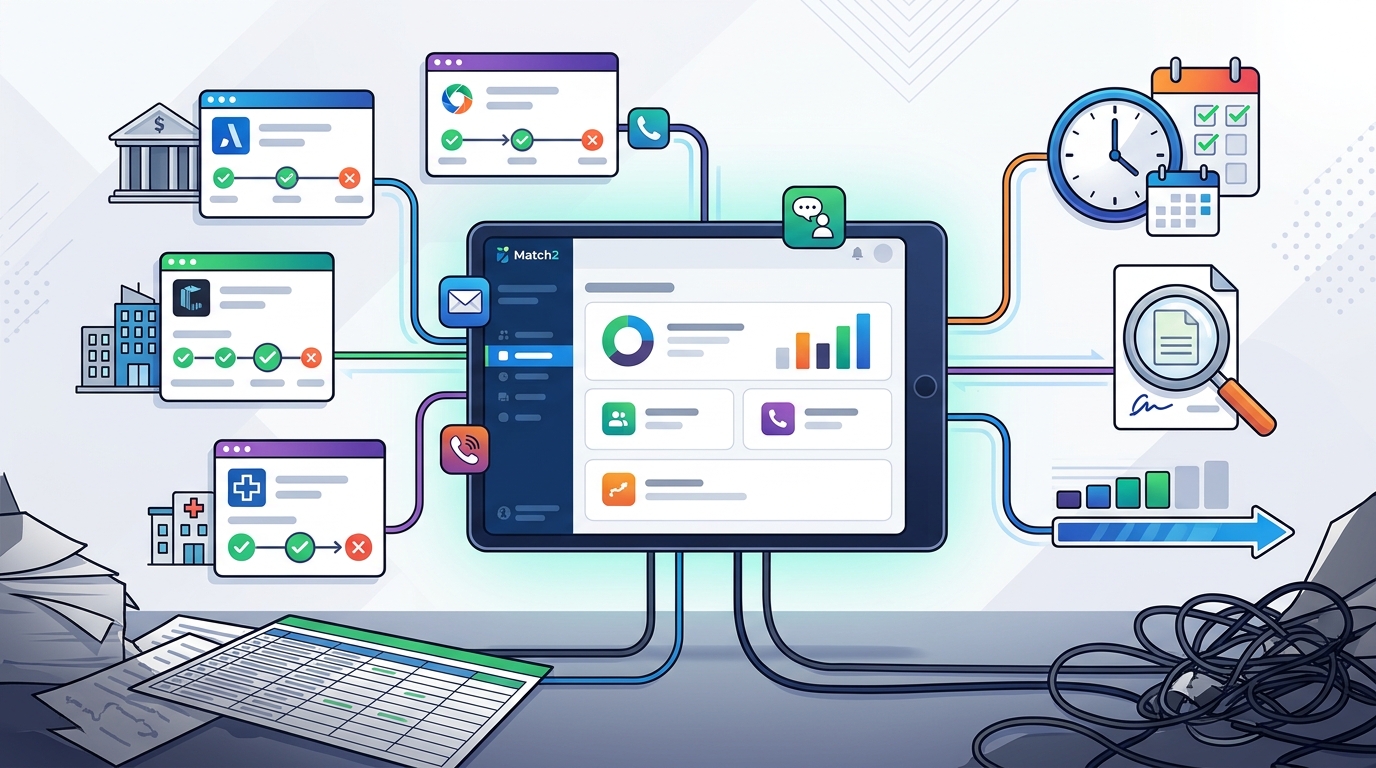
Managing multiple job applications across different platforms is a common source of stress for modern job seekers. Without a centralized system, it is easy to lose track of application statuses, interview dates, and follow-up deadlines. A unified dashboard allows you to monitor your progress, maintain your professional profile, and manage your time more effectively. This approach reduces the cognitive load of switching between various employer portals and spreadsheets.
1. Use a Universal Candidate Profile Platform
Centralize your data with a single profile that travels with you. A universal candidate profile is a digital repository of your resume, skills, and work history that you can share across multiple employers. Platforms like Match2 allow you to create one profile that updates automatically as you gain new experience. This eliminates the need to re-enter your data for every single job application.
2. Implement a Spreadsheet with Status Columns
Build a simple grid to visualize your pipeline. A spreadsheet is a low-tech but highly effective tool for tracking applications. Create columns for the company name, job title, date applied, and current status. You can also add a column for next steps, such as scheduling an interview or sending a thank-you note. This method works well for candidates who prefer manual control over their data.
3. Leverage Built-in ATS Tracking Features
Utilize the tracking tools provided by major job boards. Many large job platforms offer basic application tracking within their user dashboards. These features allow you to see which jobs you have applied for directly through that specific site. However, these tools are often siloed, meaning you cannot see applications made through other companies or platforms in the same view. They are best used as a secondary check rather than your primary system.
4. Adopt a Dedicated Job Search App
5. Create a Folder System for Documents
Organize digital files to keep your records accessible. A folder system is a method of storing PDFs of job descriptions, cover letters, and confirmation emails in a structured directory. You can create a main folder for your job search and subfolders for each company or application stage. This ensures that you have easy access to the specific documents you need during an interview or follow-up.
6. Use a Task Management Tool
Turn applications into actionable tasks with deadlines. A task management tool is a productivity application that helps you organize to-do lists and set reminders. You can create a task for each application, including the date you applied and the expected response time. This approach helps you stay proactive by prompting you to follow up if you have not heard back within a reasonable timeframe.
7. Integrate with a Direct Talent Network
Connect with employers through a two-way communication channel. A direct talent network is a platform where candidates and employers can interact directly, bypassing traditional one-way application funnels. This allows for real-time updates on your availability and interest in roles. It transforms the tracking process from a passive wait into an active dialogue, giving you more control over your career narrative.
Choosing the Right Method
Selecting the best tracking method depends on your volume of applications and your preference for automation. If you are applying to many jobs, a universal profile platform or a dedicated app is likely the most efficient choice. For a smaller number of applications, a spreadsheet or task manager may be sufficient. The key is to choose a system that you will actually maintain consistently.
Frequently Asked Questions
What is the best tool for tracking job applications?
Can I track applications from different job boards in one place?
Yes, by using a universal candidate profile or a dedicated job search app that supports integrations. These tools can aggregate data from various sources into a single dashboard, providing a unified view of your job search.
How often should I update my application tracker?
You should update your tracker immediately after applying to a job and whenever you receive a status change. Regular updates ensure that your data is accurate and help you identify which companies are responsive and which are not.
Is it better to use a spreadsheet or an app?
A spreadsheet is better for candidates who want full control and have a small number of applications. An app is better for those who want automation, reminders, and a more polished interface. Consider your technical comfort and the volume of your job search when deciding.
How does a universal profile help with tracking?
A universal profile helps by storing your data in one place, so you do not have to re-enter it for each application. It also allows you to see the status of your applications across different employers in a single view, simplifying the tracking process.
Next Steps
Ready to streamline your job search? Explore how Match2 can help you manage your profile and applications with ease. You can also learn more about our solutions for candidates on our resource page.